

Features

Everything you need to stay connected

Private chats and calls, backups, scheduled messages, statuses and My Khata, with the same design on iOS, Android and Next4Chat Web.

New

End-to-end encryption and backup

Your chats are private on every device, and they come with you when you change phones.

  • End-to-end encrypted chats on iOS, Android and web: text, replies, edits, photos, videos, voice notes, documents and file names
  • Security code (60 digits, and a QR on web) to check a chat in person
  • Next4Chat Web gets your chat keys from the phone when you scan its QR code, so old chats open there too
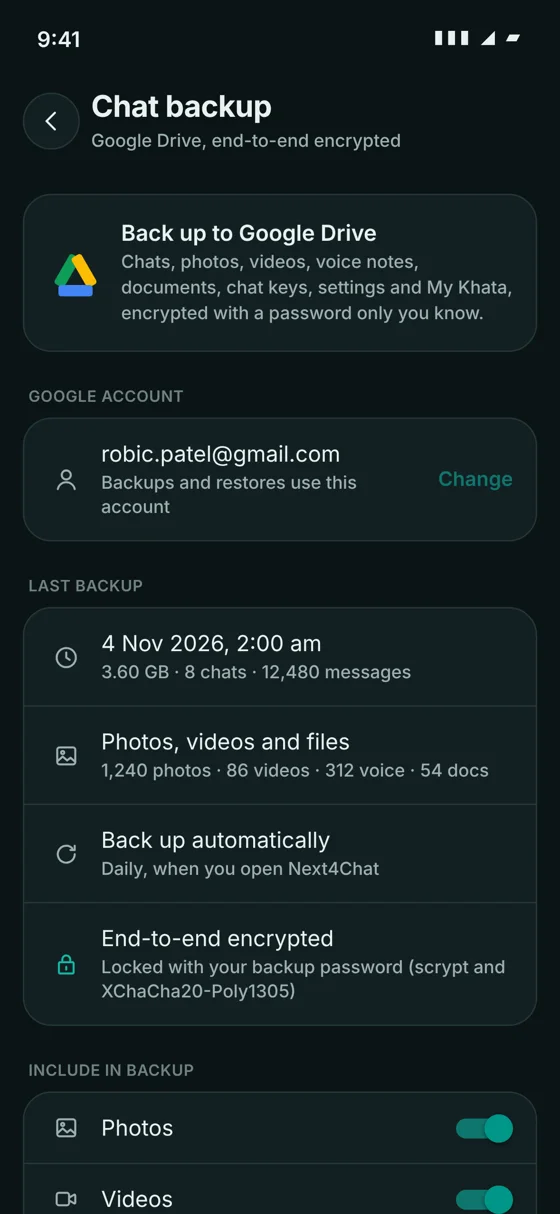
  • Full Google Drive backup and restore: chats, photos, videos, voice notes, documents, keys and settings, encrypted with a backup password
  • Choose which Google account (email) to back up to, and change it any time
  • Choose what to include: photos, videos, voice notes, documents, and videos only on Wi-Fi
  • Only new photos and videos upload after the first backup
  • Automatic daily or weekly backup on the phone
  • App lock with Face ID, fingerprint or passcode
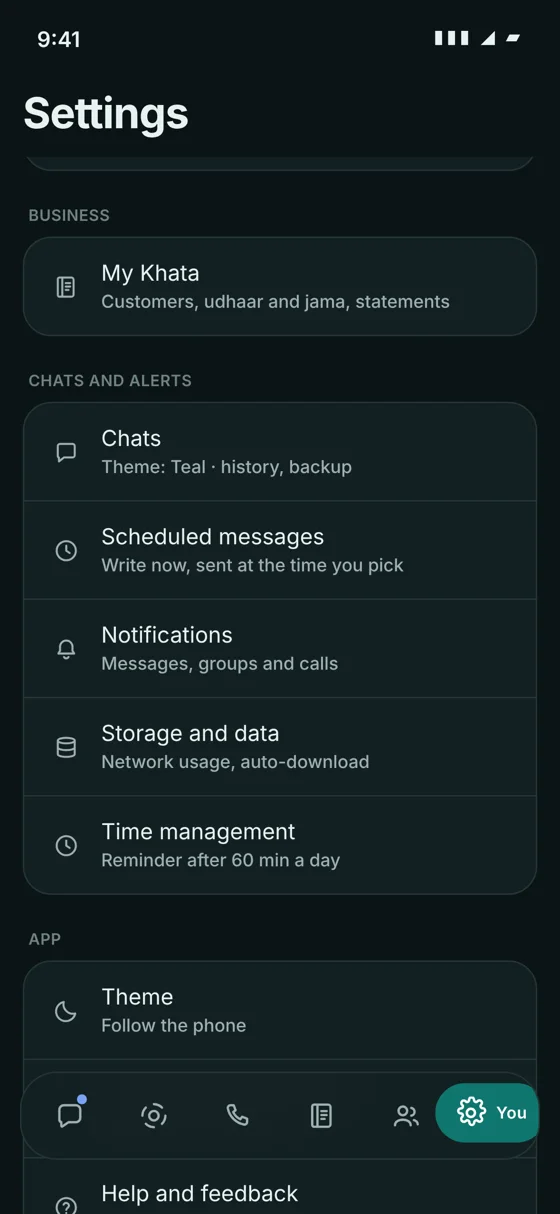
  • Security page in Settings that shows what is protected
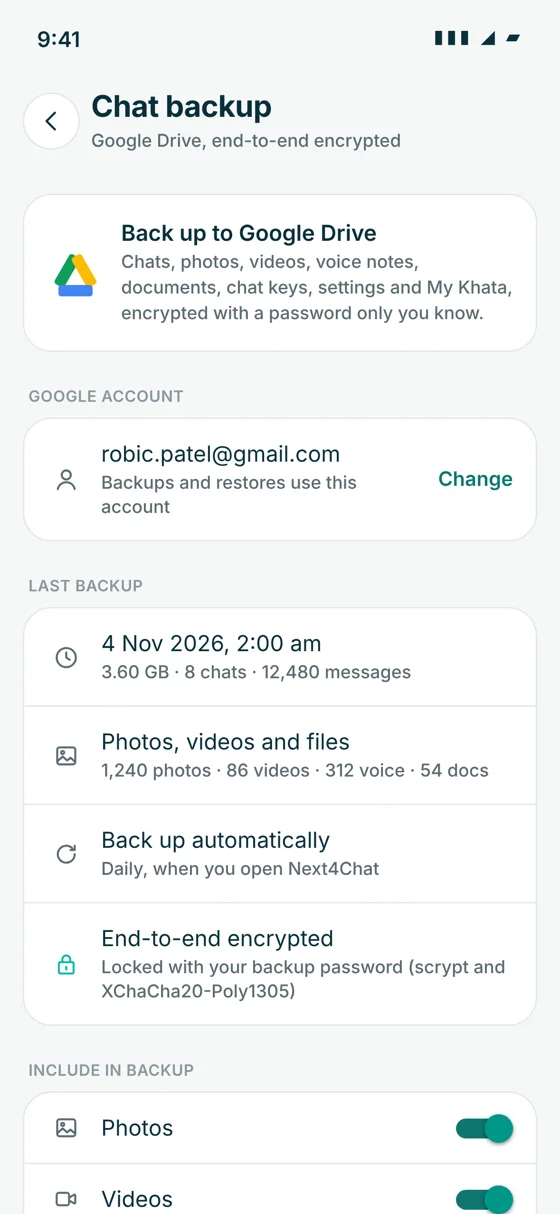
Chat backup to Google Drive, end-to-end encrypted with a backup password

Chats and messages

Everything you expect from a modern messenger, for friends, families, teams and communities.

  • One-to-one chats, groups, communities and broadcast lists
  • Group invite links, admin roles, add and remove members
  • Reply, react, forward, pin, edit and delete messages
  • Polls, message translation and message search
  • Typing indicator, delivered and read ticks
  • Photos, videos, voice notes and documents
  • Pinned, archived, muted and locked chats
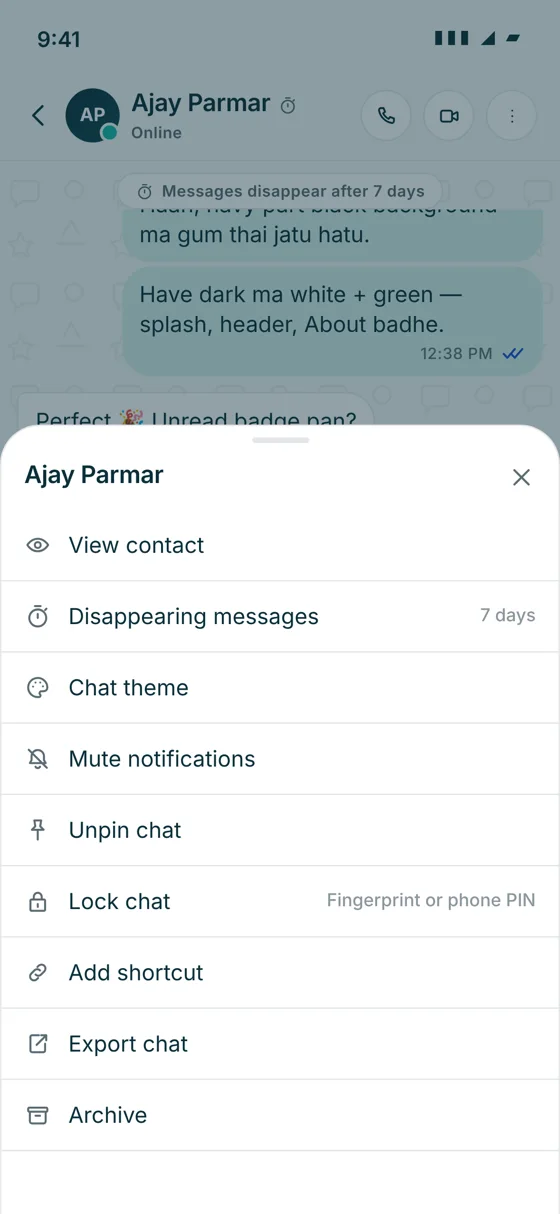
  • Disappearing messages, clear chat, export chat and full chat backup
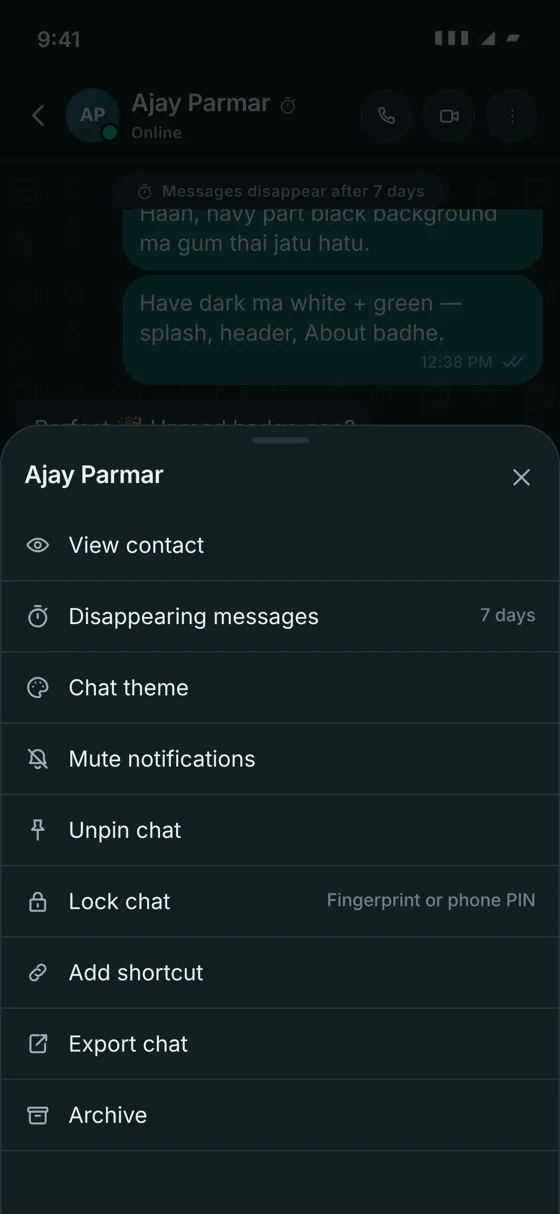
Chat menu with disappearing messages, chat theme, mute, lock chat, export chat and archive
New

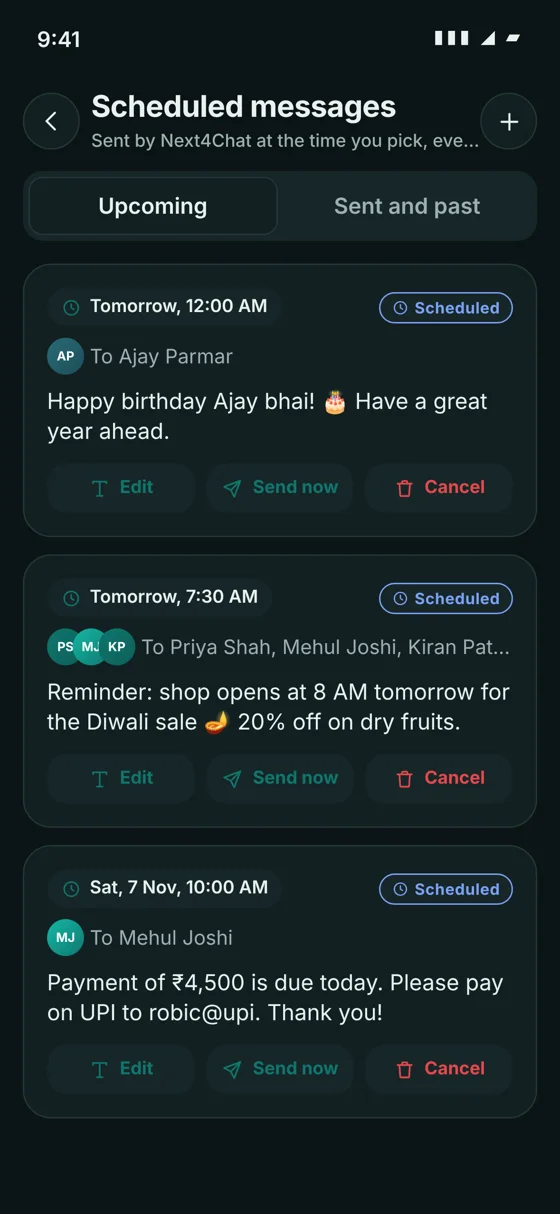
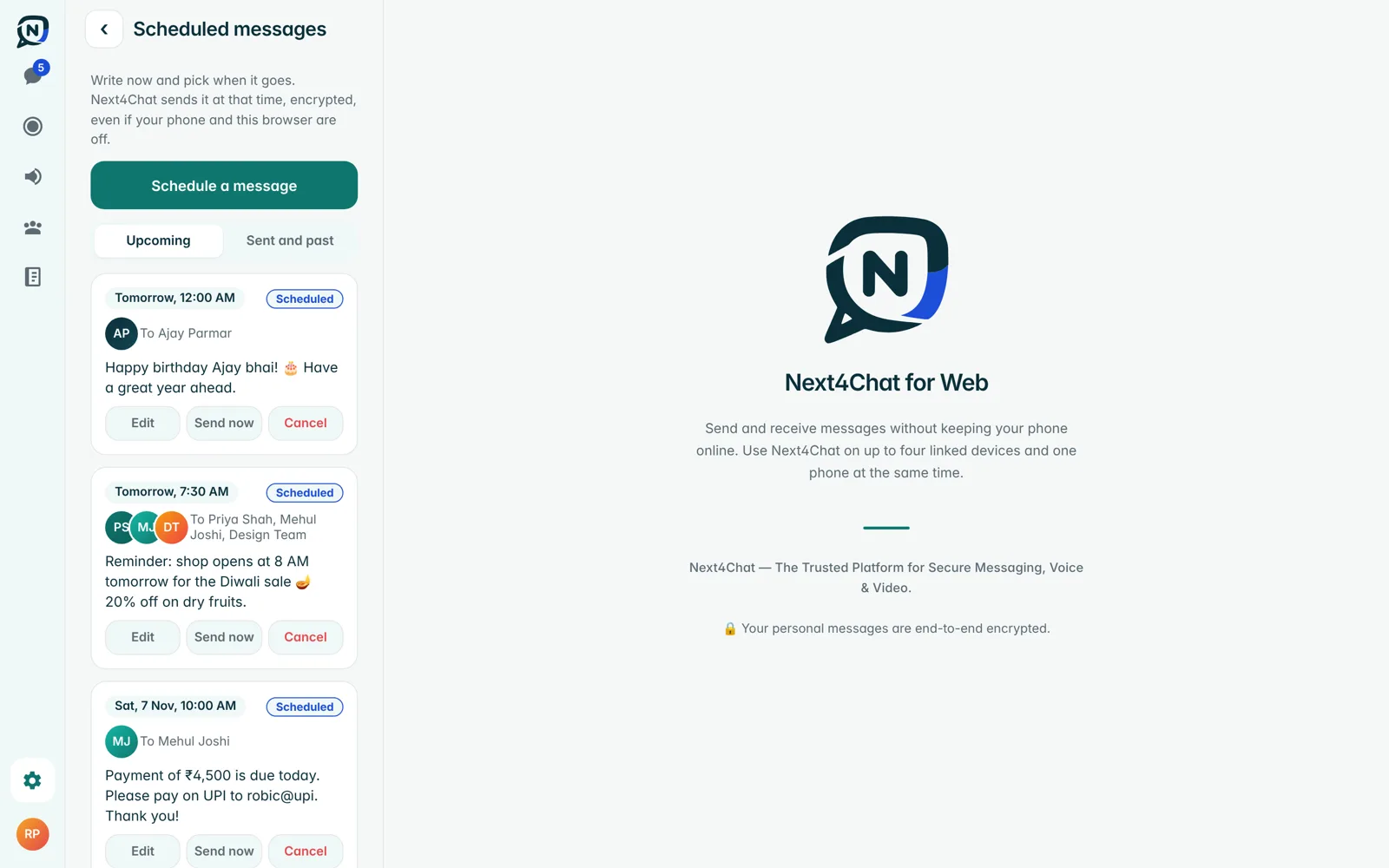
Scheduled messages

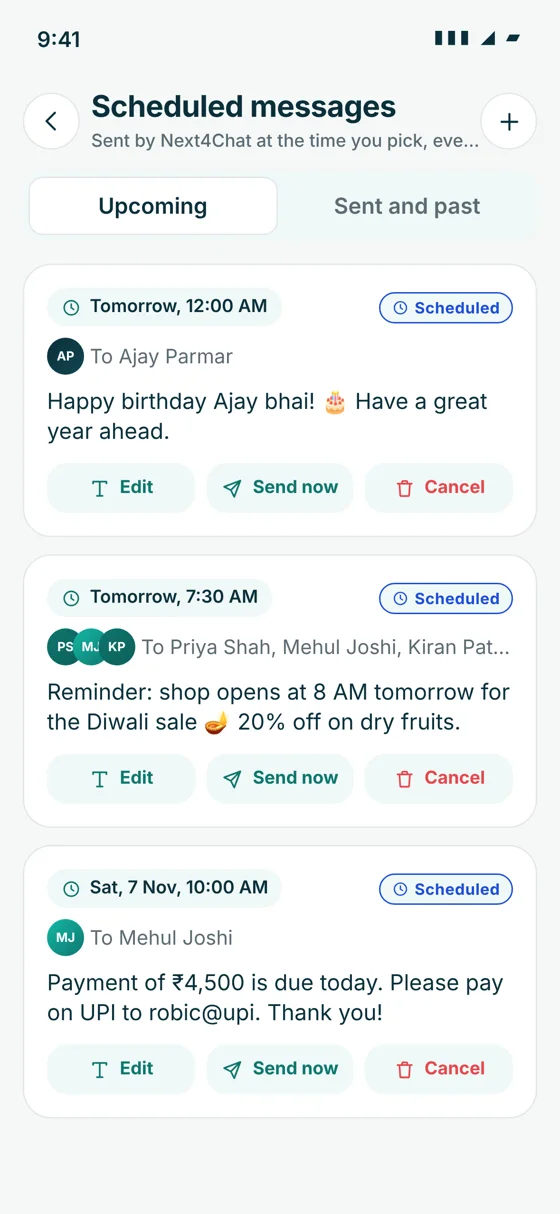
Write now, pick one or more chats and a date and time. The server sends it even if your phone is off.

  • Send to one or more chats at the date and time you pick
  • Edit, reschedule, send now or cancel
  • Status: Scheduled, Sent, Delivered, Read or Failed
  • A notification when it is sent or fails
  • Sealed on your device when you schedule it; the server stores only ciphertext
Scheduled messages list with upcoming messages and their status
New

Calls

End-to-end encrypted voice and video calls that sound clearer and stay smooth on weak networks.

  • Voice and video calls with call history
  • Clearer call sound: echo and noise cancelling, and protection against lost audio packets
  • Smoother, sharper video: 720p with automatic quality per connection, no stutter on weak networks
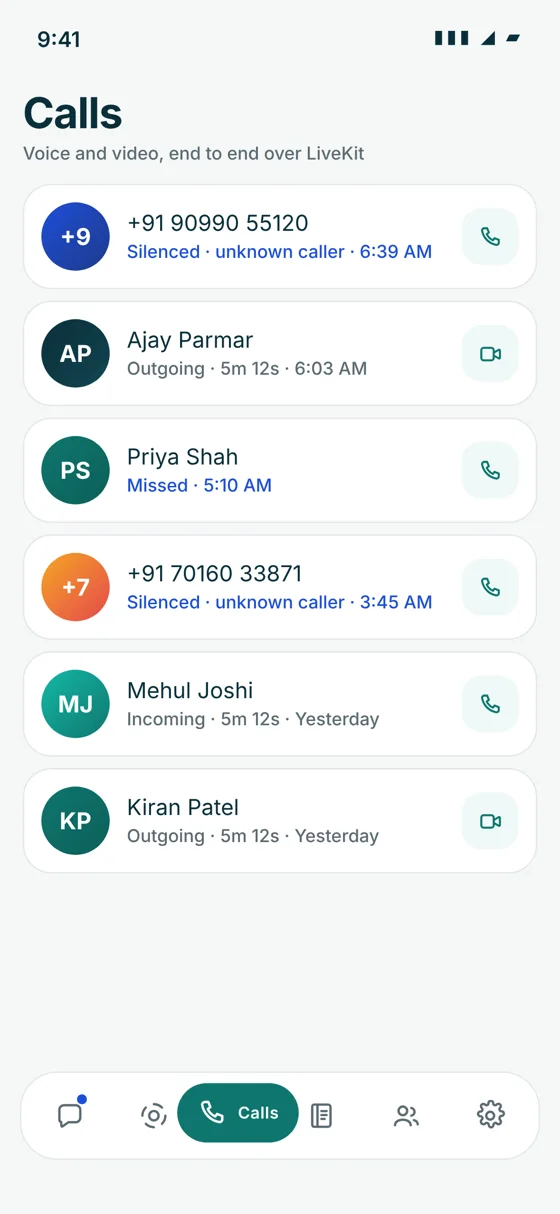
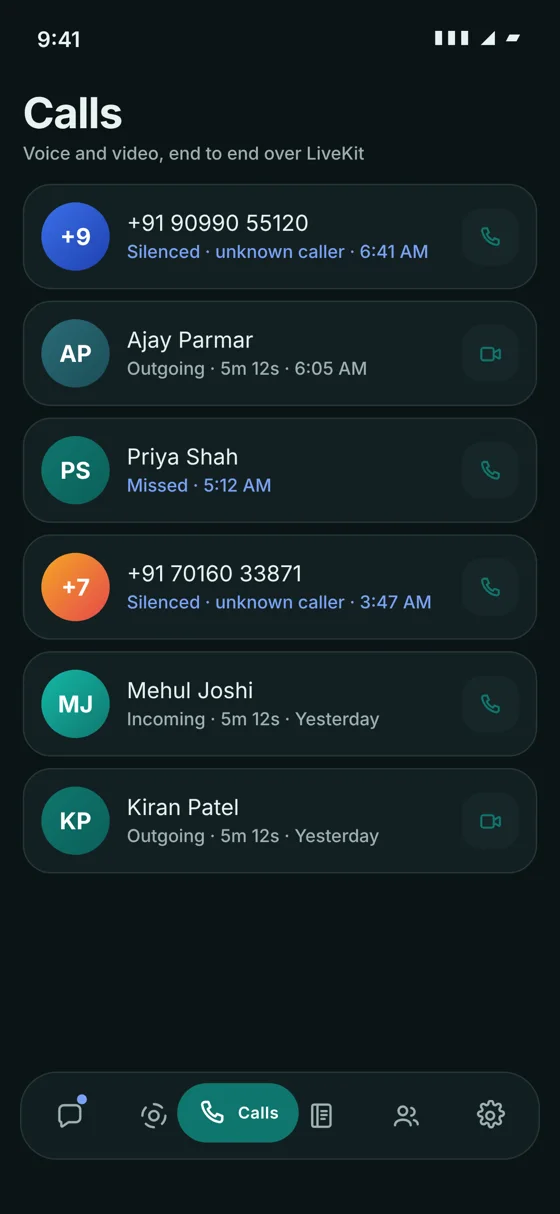
  • Silence unknown callers (on/off): calls from people not in your contacts do not ring; one quiet notification, and the call shows as Silenced in Calls
Call history showing silenced calls from unknown callers

Status (stories)

Share moments and offers that disappear after 24 hours, and decide exactly who sees them.

  • Text, photo and video statuses (videos up to 30 seconds) that last 24 hours
  • Live camera for photos and videos, on the phone and through the webcam on the web
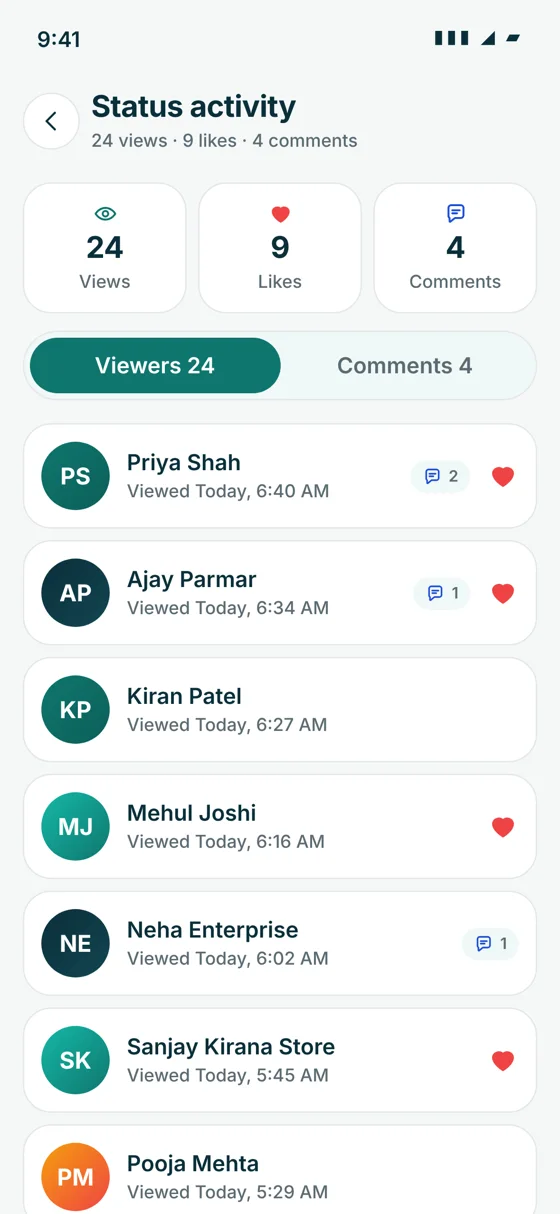
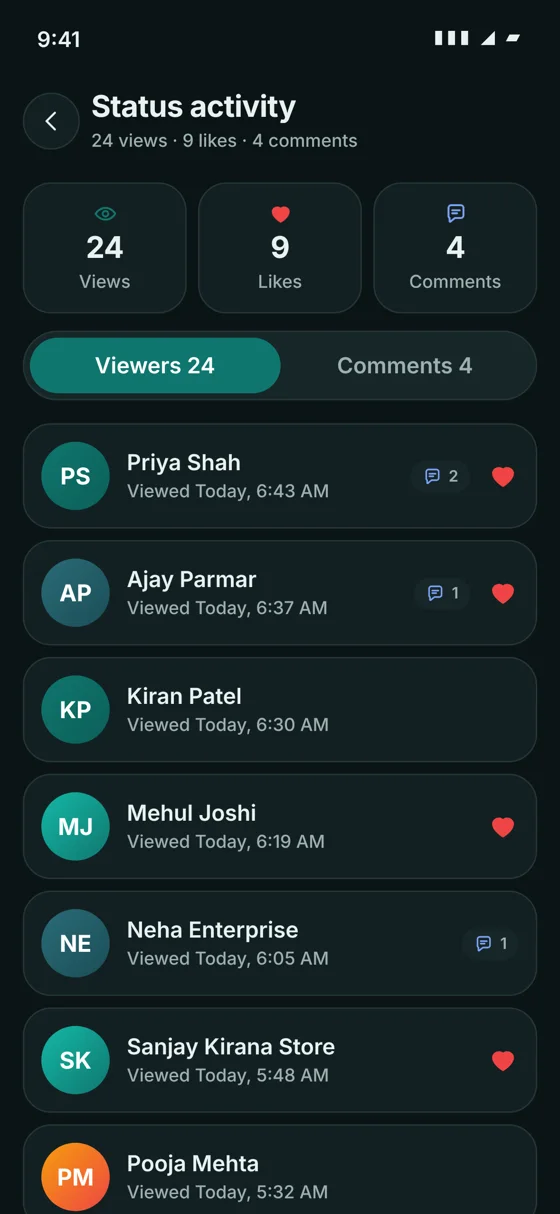
  • Likes and private comments
  • Viewer list with the time each person viewed
  • Audience choices: Public, Friends, Close friends, Selected, and Hide from
  • Mute someone's statuses
Status activity with views, likes, comments and the viewer list

My Khata (business ledger)

A credit book for shops and small businesses, built into the same app as your chats.

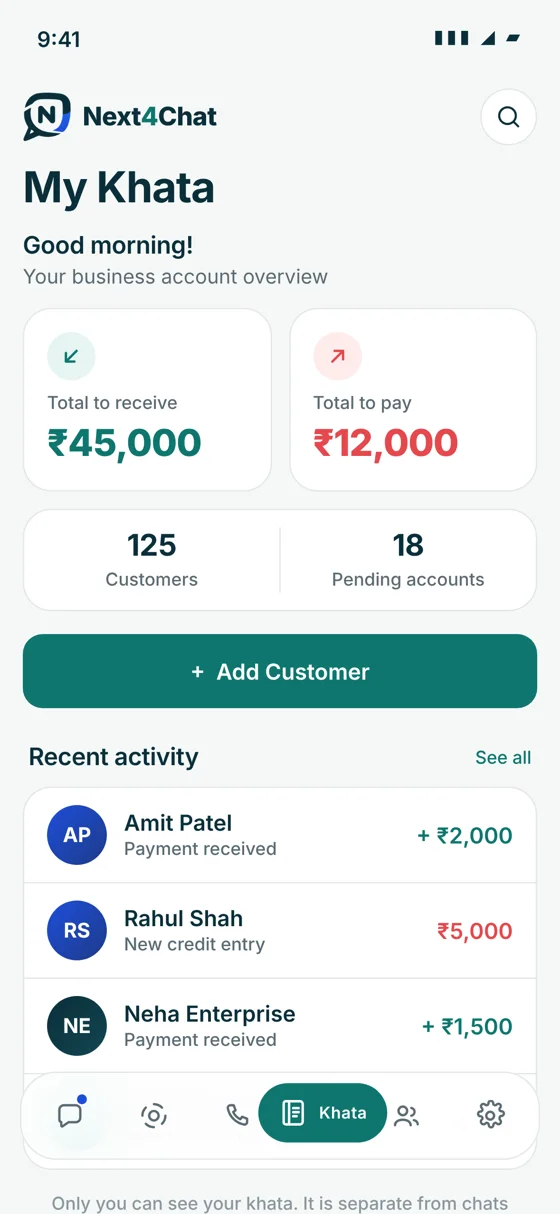
  • Customers with what you gave and what you received, and running balances
  • Statements, payment reminders, reversing an entry, reports
  • Staff access
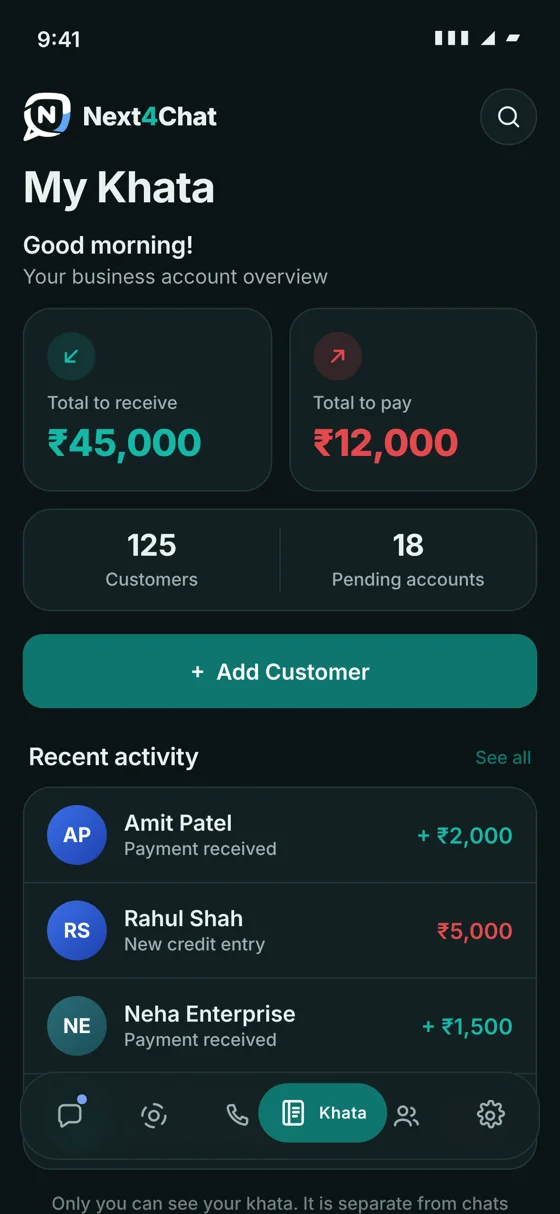
My Khata overview with totals to receive and to pay, customers and recent activity

Sign in and devices

Get in quickly on the phone, then open Next4Chat on a computer without typing a code.

  • Sign in on the phone with a one-time code (OTP) by SMS or email
  • Optional 6-digit registration PIN
  • Web sign-in by scanning a QR code from the phone
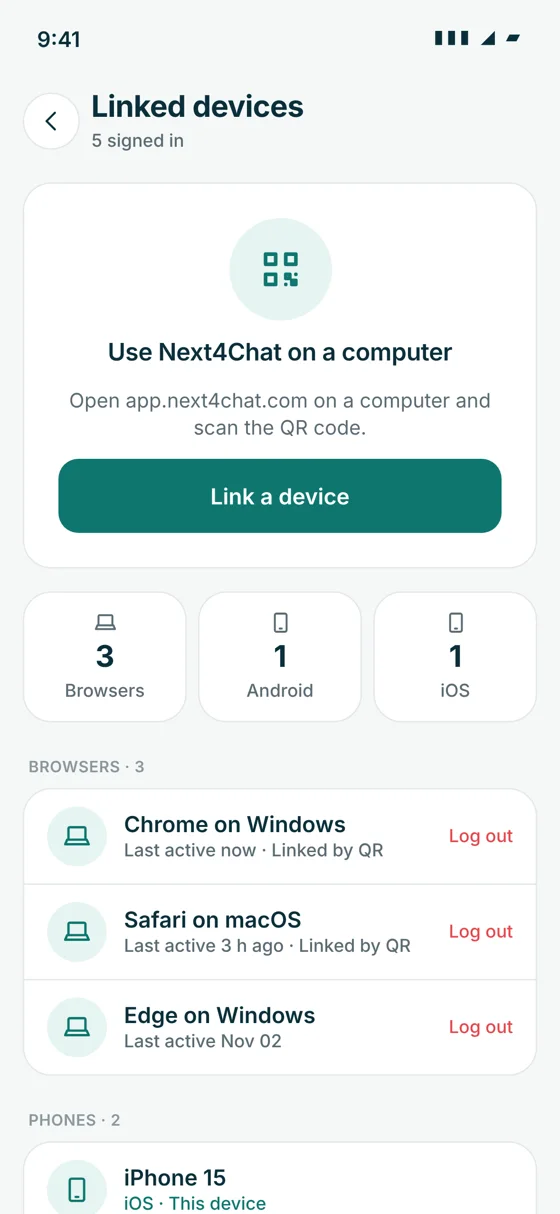
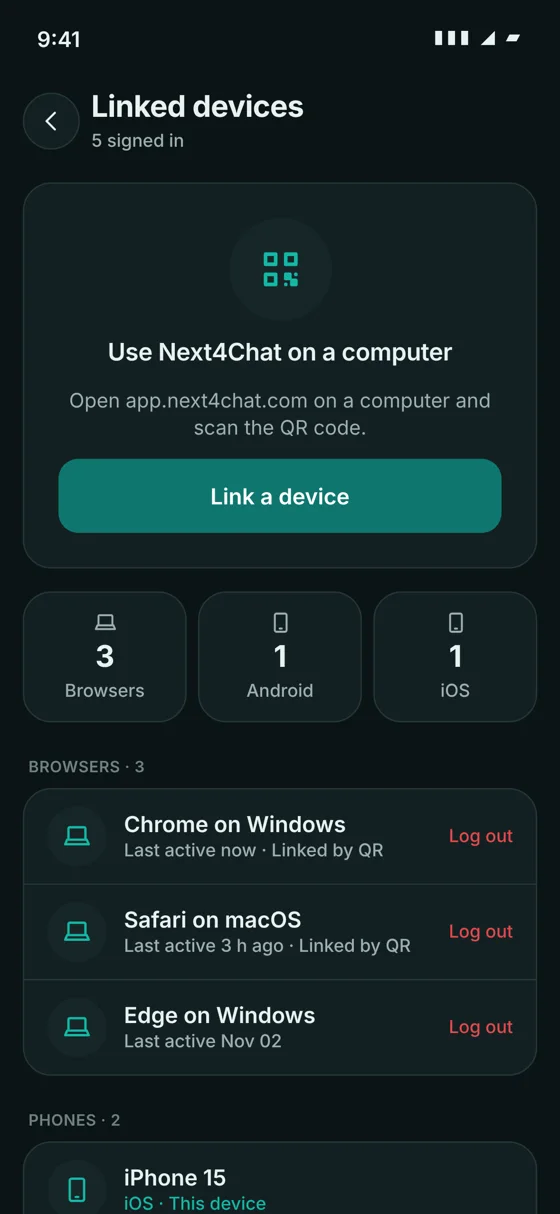
  • Linked devices list showing browser, Android or iOS, with remote sign-out
  • New sign-in alerts on your other phones and browsers
Linked devices screen listing browsers and phones with log out buttons

Contacts

See straight away which of your phone contacts are already on Next4Chat.

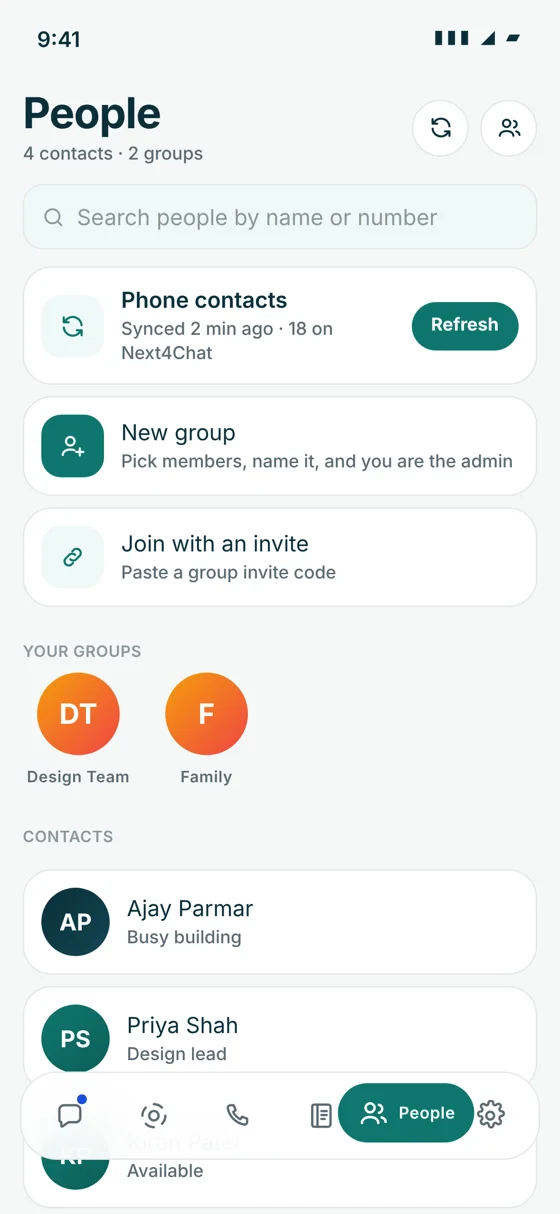
  • Phone contacts sync with Refresh and pull to refresh
  • Search people by name, username or phone number
  • Block and report
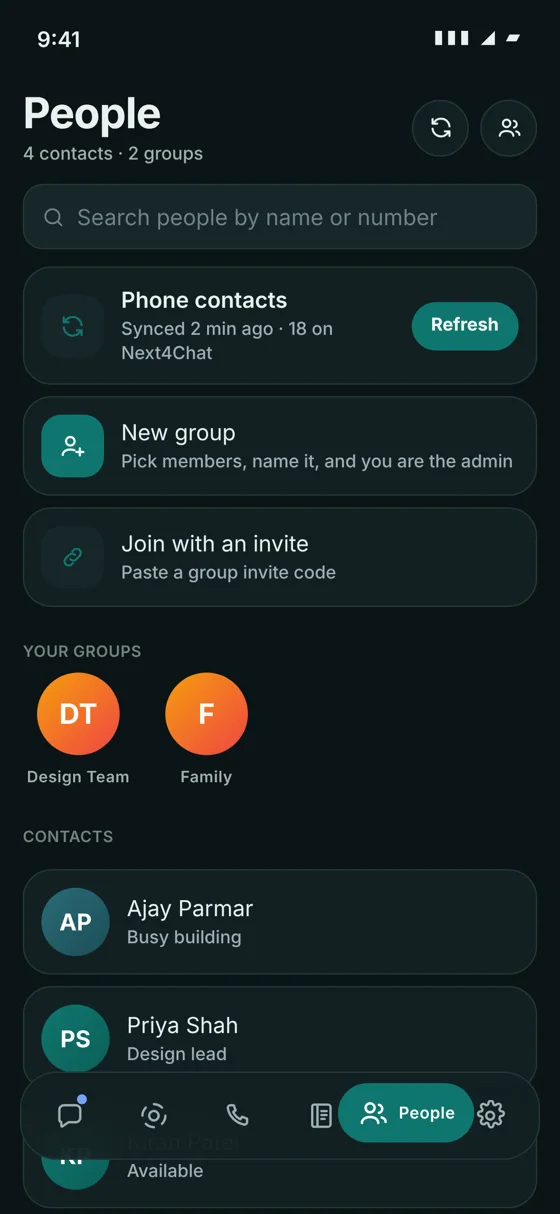
People screen with synced phone contacts and groups

Personalisation and wellbeing

Make the app look the way you like, and set limits that help you switch off.

  • Chat themes (Teal, Blue, Green, Violet, Graphite), wallpaper and light or dark mode
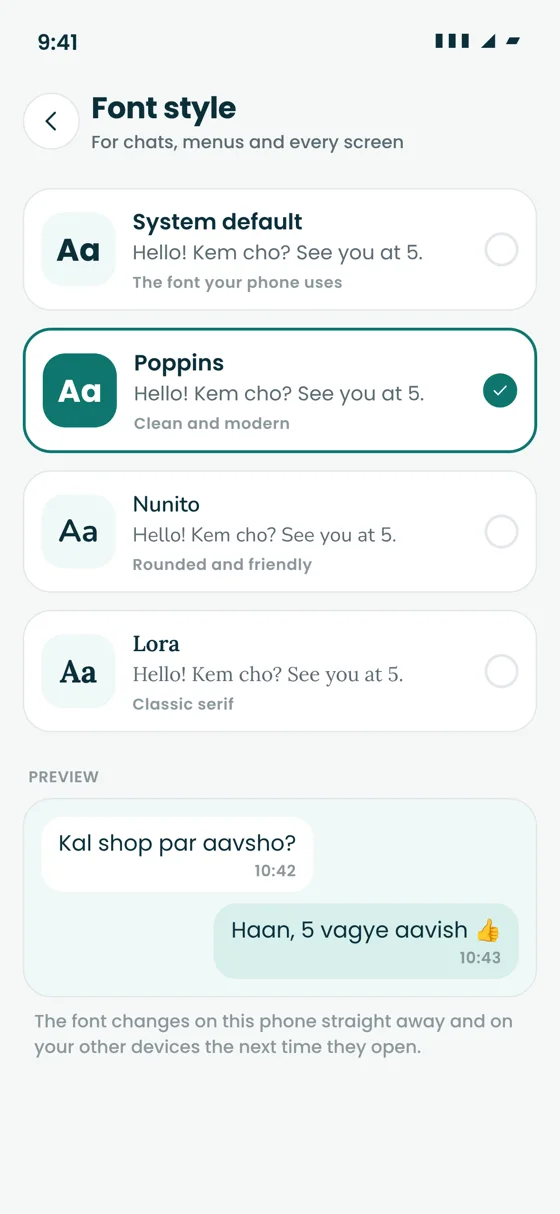
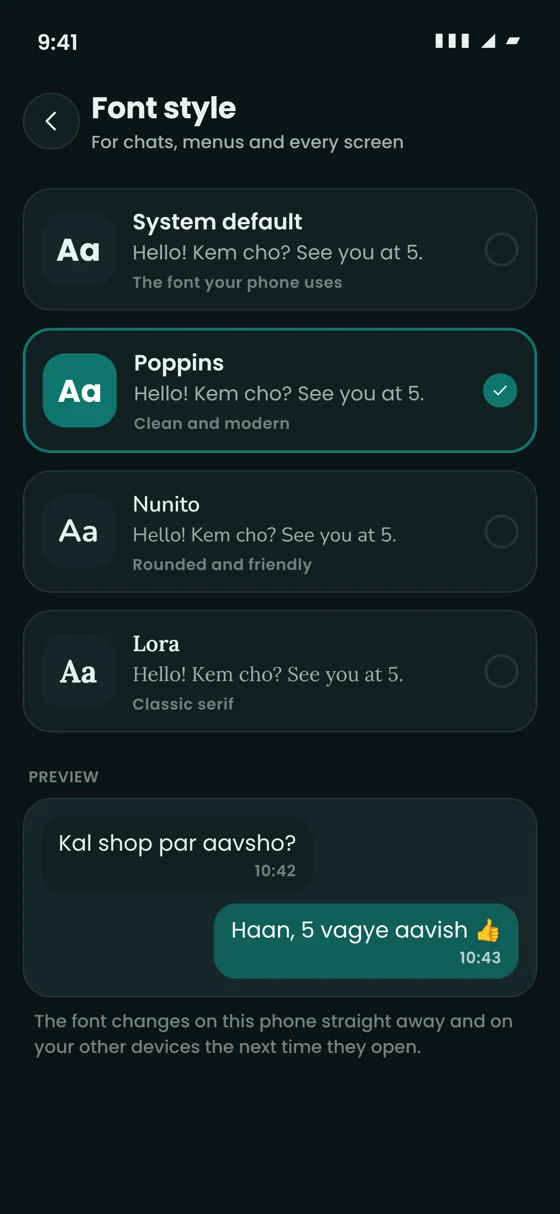
  • Font size and font style (System, Poppins, Nunito, Lora)
  • Daily time limit and quiet hours
  • Notification choices, including whether message previews are shown
Font style picker with System default, Poppins, Nunito and Lora

Platforms and admin

The same Next4Chat on every screen

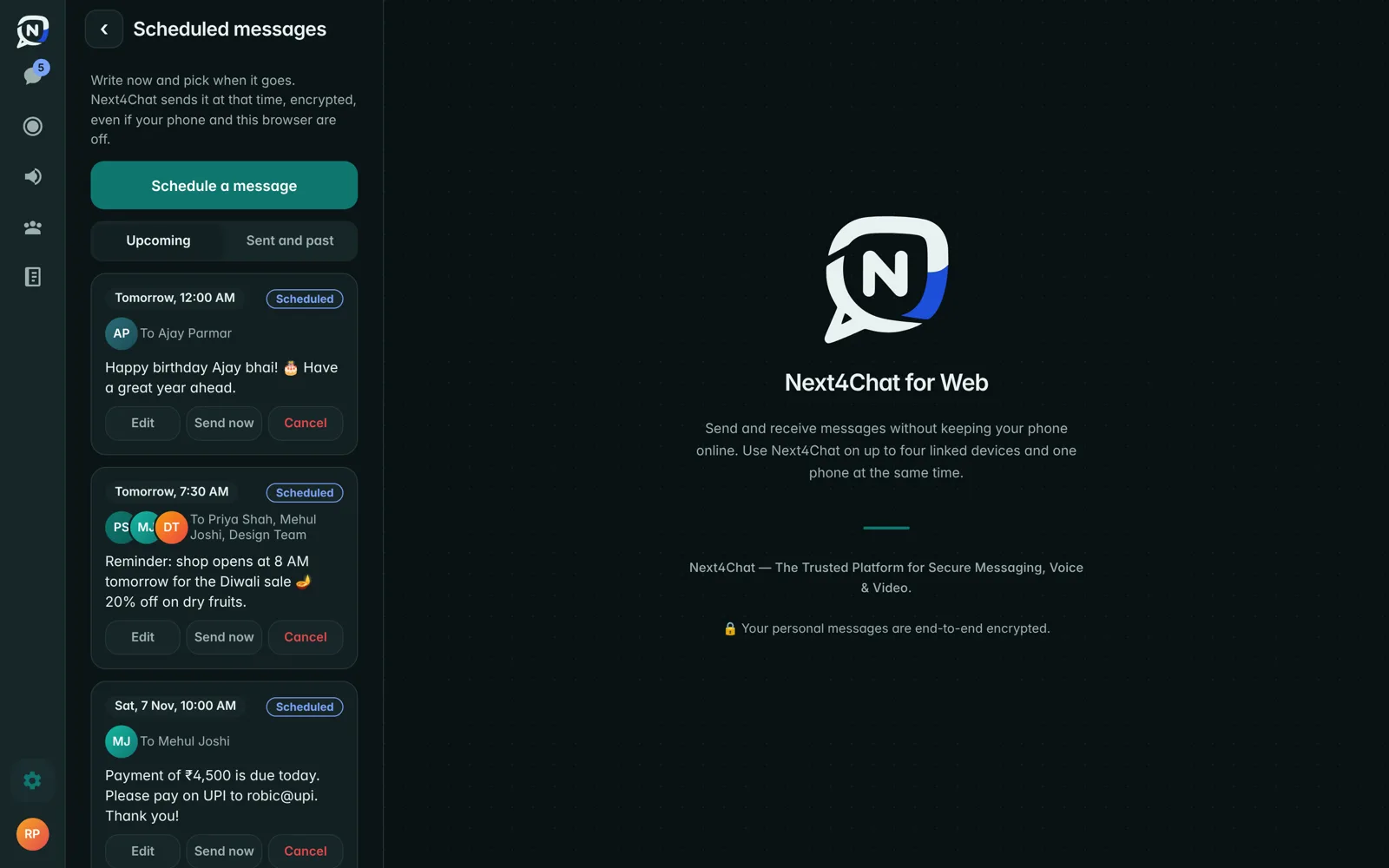
Scheduled messages on Next4Chat Web
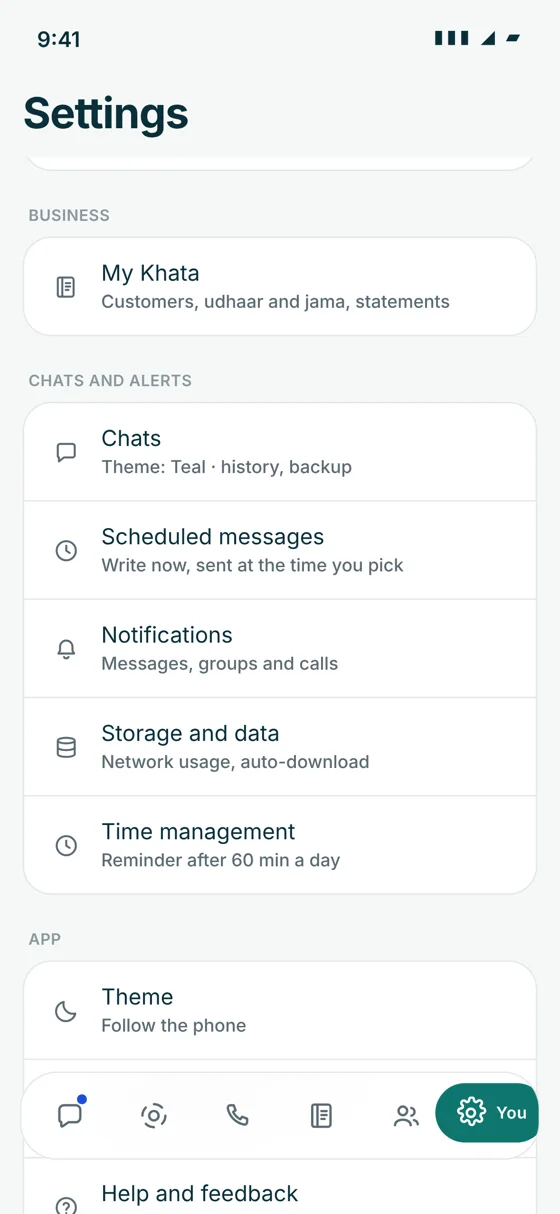
Next4Chat settings on the phone

iOS, Android and Web

iOS app, Android app and Next4Chat Web, with the same design on all three.

Admin console

For users, reports, calls, statuses, moderation, an audit log and Khata plans.

In-app feedback

Send ideas and problems to the team without leaving the app.

API integration available

Connect your business software to Next4Chat

Send order, payment and appointment updates straight from your own app, website, CRM or billing software, and bring customer replies back into the tools you already use.

  • Messages from your systemUpdates reach customers on Next4Chat the moment something happens.
  • Works with what you useShops, CRMs, ERPs, booking and billing software. We can build the connection for you.
  • Private and secureA private API key for each business, HTTPS only, and access you can turn off any time.

Ready when you are

Private chats, clear calls and your shop's credit book, in one app.

Get Started