
End-to-end encrypted chats and calls
Chat messages, files and calls are end-to-end encrypted. Each phone and browser has its own key (X25519); messages are locked with XChaCha20-Poly1305. The server stores only scrambled data.


Security
Chat messages, files and calls are end-to-end encrypted on iOS, Android and the web. Here is what is protected, how, and what is not end-to-end encrypted.
End-to-end encryption
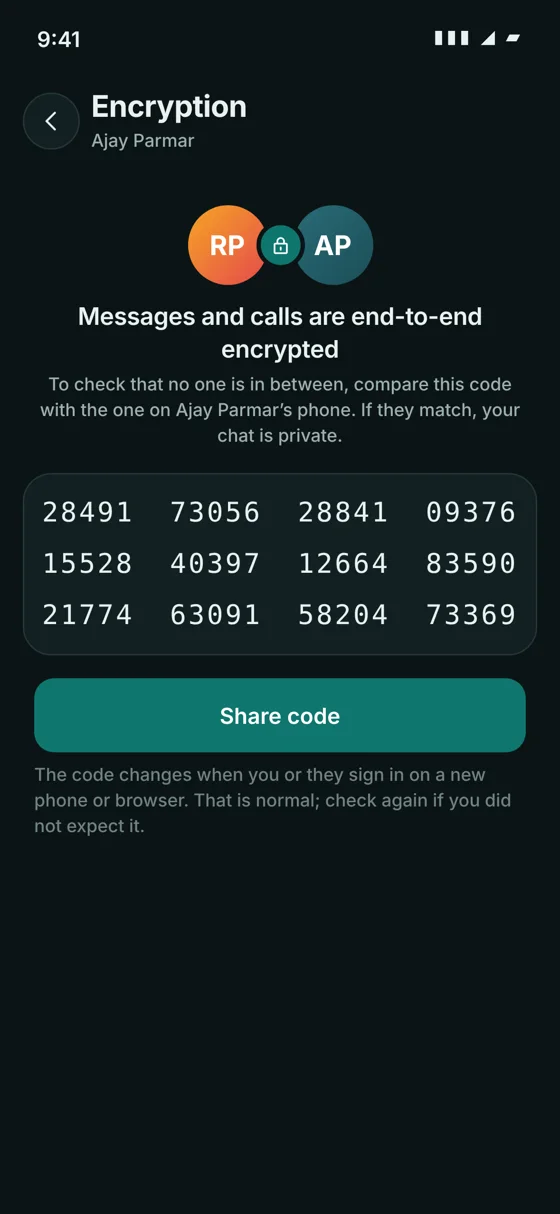
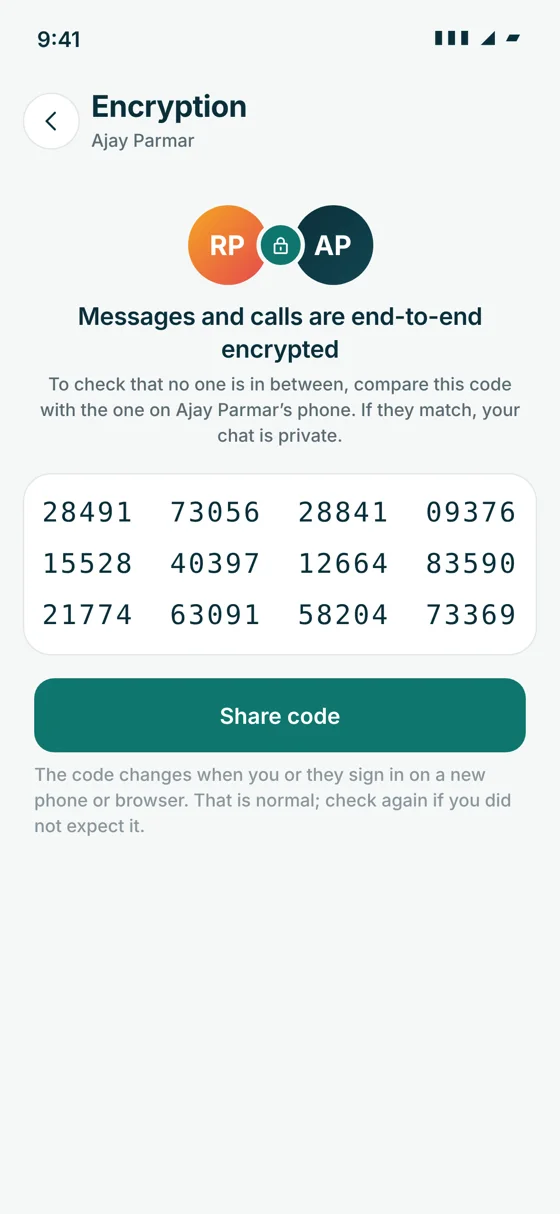
Messages are locked on the sender's phone and unlocked only on the phones and browsers of the people in the chat. To check, compare the 60-digit security code with the other person.
What is in place
Chat messages, files and calls are end-to-end encrypted. Each phone and browser has its own key (X25519); messages are locked with XChaCha20-Poly1305. The server stores only scrambled data.
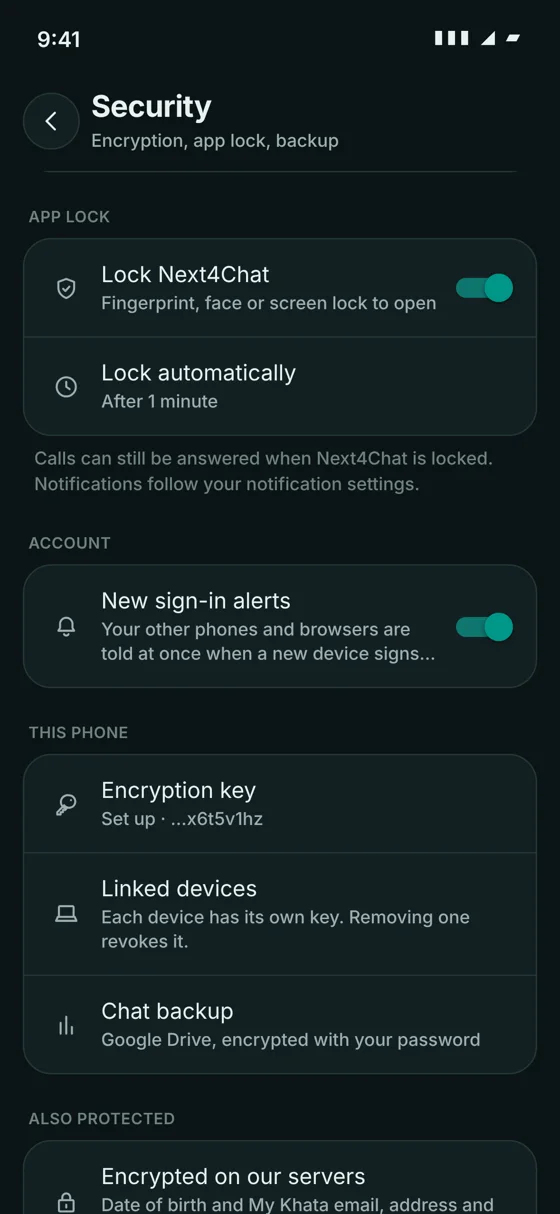
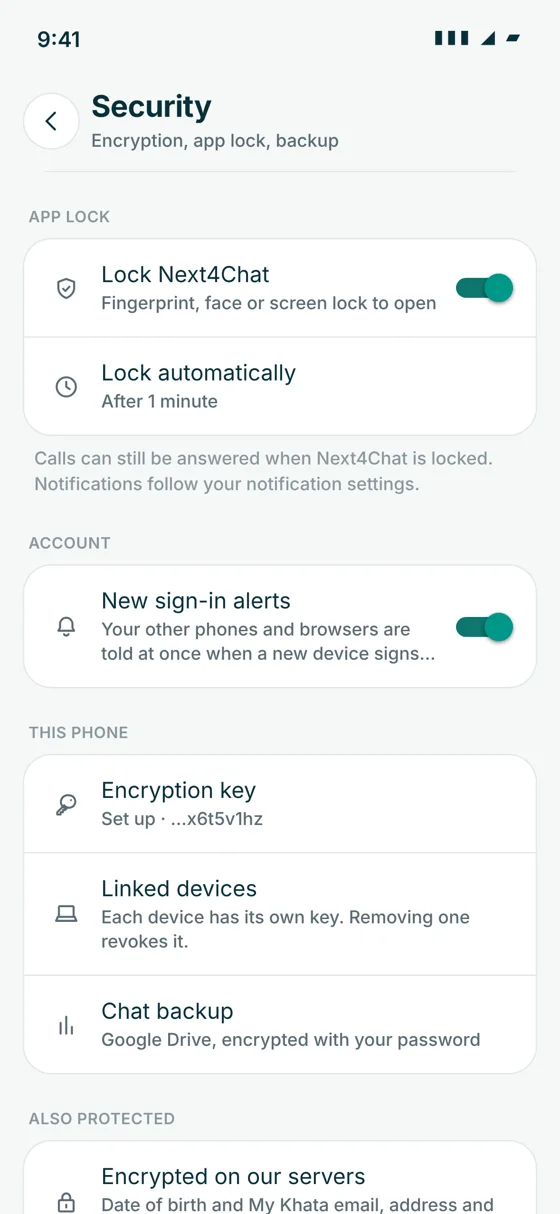
Private keys never leave the device (iOS Keychain, Android Keystore, browser storage). Signing a device out removes its key at once.
Google Drive backups are encrypted with your own password (scrypt and XChaCha20-Poly1305) and stored in Next4Chat's private Drive folder.
Scheduled messages are sealed on your device when you schedule them; the server stores only ciphertext.
Notifications for encrypted messages show "🔒 New message", never the text.
Date of birth and My Khata email, address and notes are encrypted on the server (AES-256).
The database is encrypted on the server (XChaCha20-Poly1305) before it goes to a separate private bucket, checked with SHA-256, kept 30 days, with a tested restore command.
HTTPS only, with strict transport security and browser hardening headers on every response.
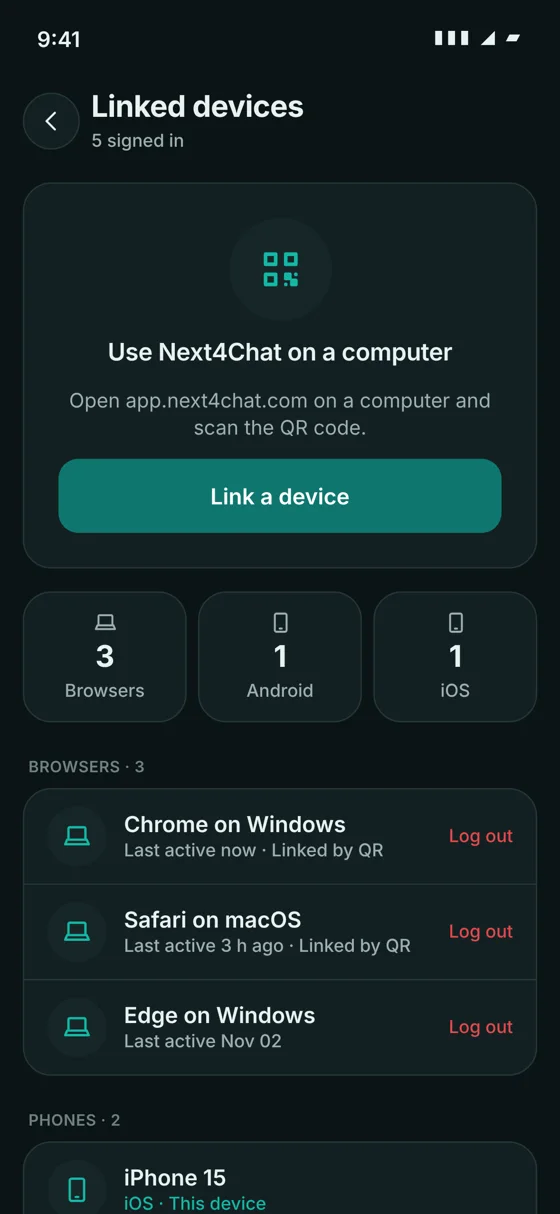
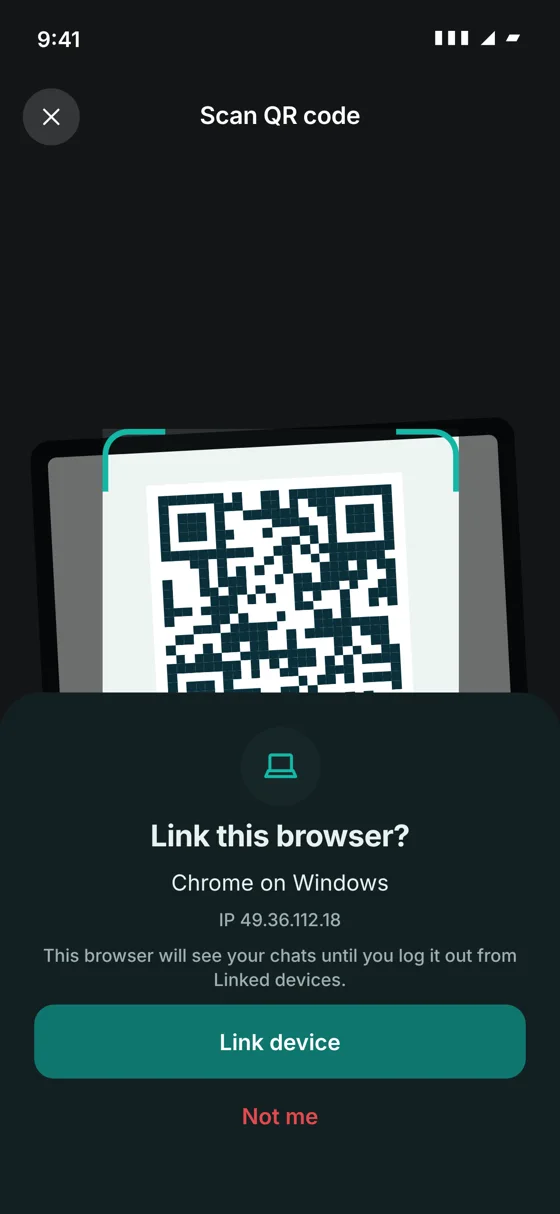
Your other phones and browsers are told at once when a new device signs in.
Sign-in codes are stored only as a hash. They expire, and a code is blocked after too many wrong tries.
The optional registration PIN is stored hashed and stops someone else from registering your number.
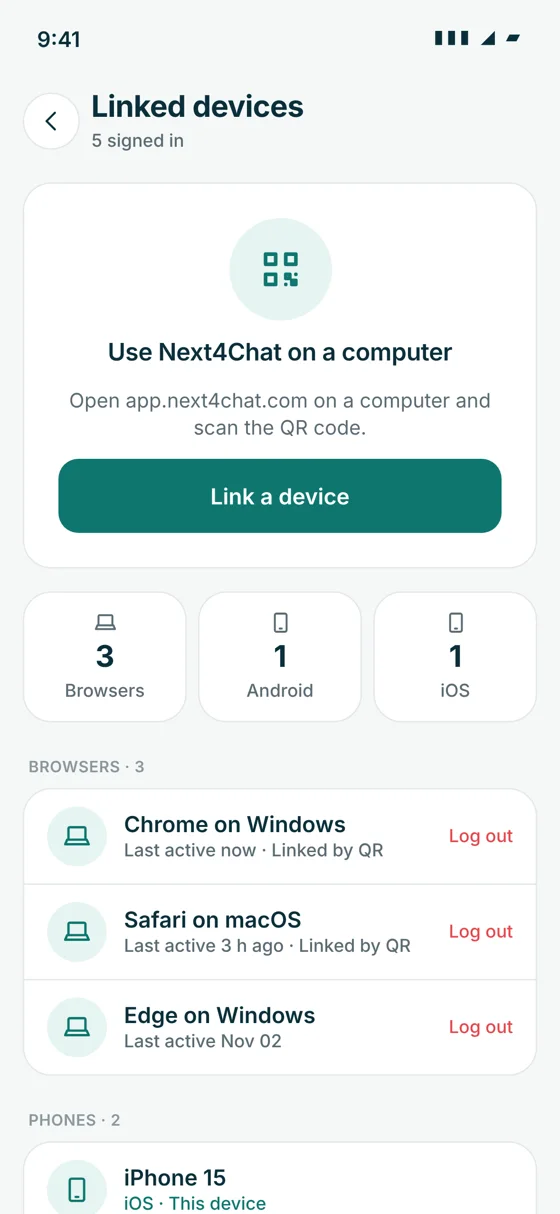
Every signed-in device is listed and can be signed out remotely.
Locked chats open with Face ID, fingerprint or the device passcode.
An optional setting blocks screenshots in chats.
Photos and files are served through links that expire, not public links.
Uploads can be virus-scanned. This is a server setting.
Choose who sees your last seen, profile photo, about, phone number and status, plus read receipts and who can add you to groups.
Blocking, reporting, and moderation by admins.
Admin roles have separate permissions, and admin actions and Khata changes are recorded in audit logs.
Only the owner sees who viewed or liked a status. A viewer sees only their own comments.
Disappearing messages are deleted after the time you choose.
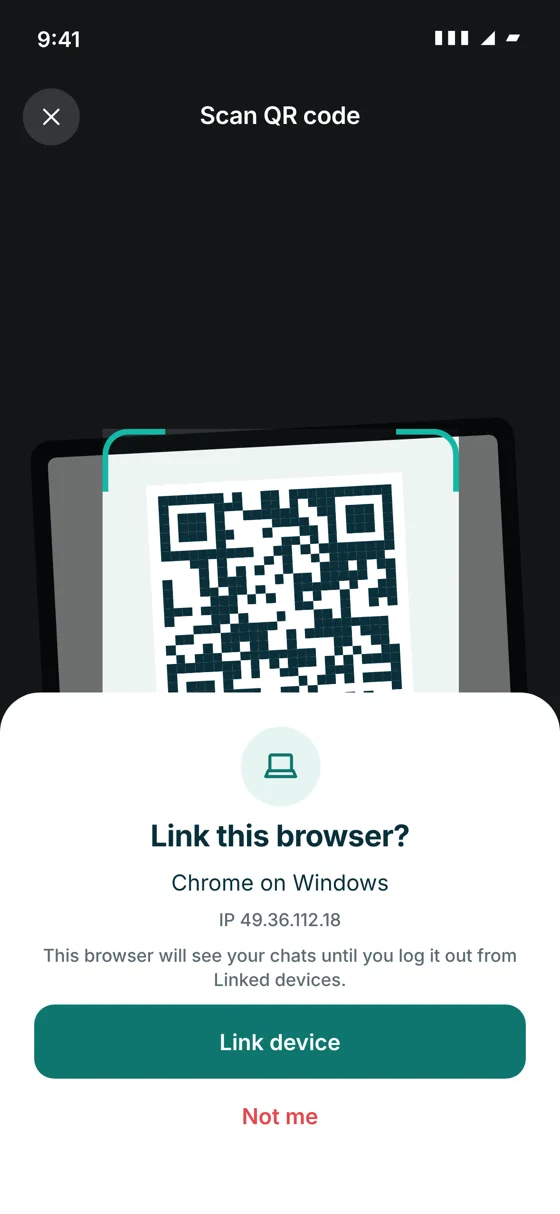
QR web sign-in
Rate limits
| What | Limit |
|---|---|
| Code requests | 5 a minute per IP address, and 3 a minute per phone number or email |
| Messages | 120 a minute |
| Contacts sync | 6 an hour |
| Everything else | 300 a minute |
Found a security problem? Please tell us through the contact page.